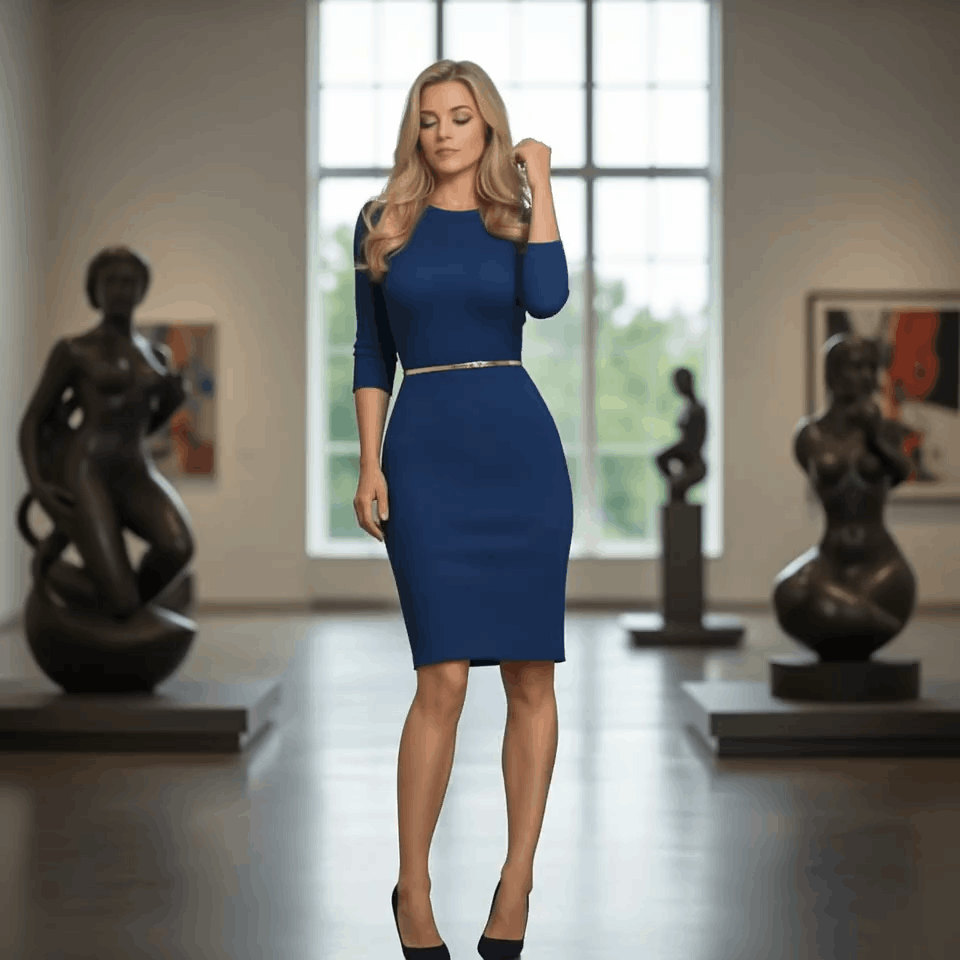
Start with a Prompt or Reference
Describe a shot or upload an image to begin Veo4 text-to-video or image-to-video generation with stronger creative direction.
Shape Motion, Style, and Detail
Use Veo4 AI to refine camera movement, pacing, atmosphere, and visual consistency so each generation stays closer to your intended scene.
Export Production-Ready Video
Download polished Veo4 clips for ads, social campaigns, product launches, explainers, storyboards, and other production workflows.
AI Dance Video Generator FAQ
Use a clear photo with a single subject and minimal blur. Full-body or half-body shots typically work best.
Yes. You can start free with credits and daily bonuses, then upgrade when you need higher limits or faster queues.
This effect generates a 5-second video in 4:3 aspect ratio at 720p.
Each generation costs 13 credits.
Yes. Results are influenced by your photo, but you can explore different vibes by choosing photos with a clear pose, outfit, and framing, then iterating generations.
Failures can happen due to image quality issues, content policy checks, or temporary service errors. Try a clearer photo or retry later.
Ready to create with Veo4 AI?
Upgrade for faster queues, higher usage, longer generations, and more credits across your Veo4 AI video workflow.