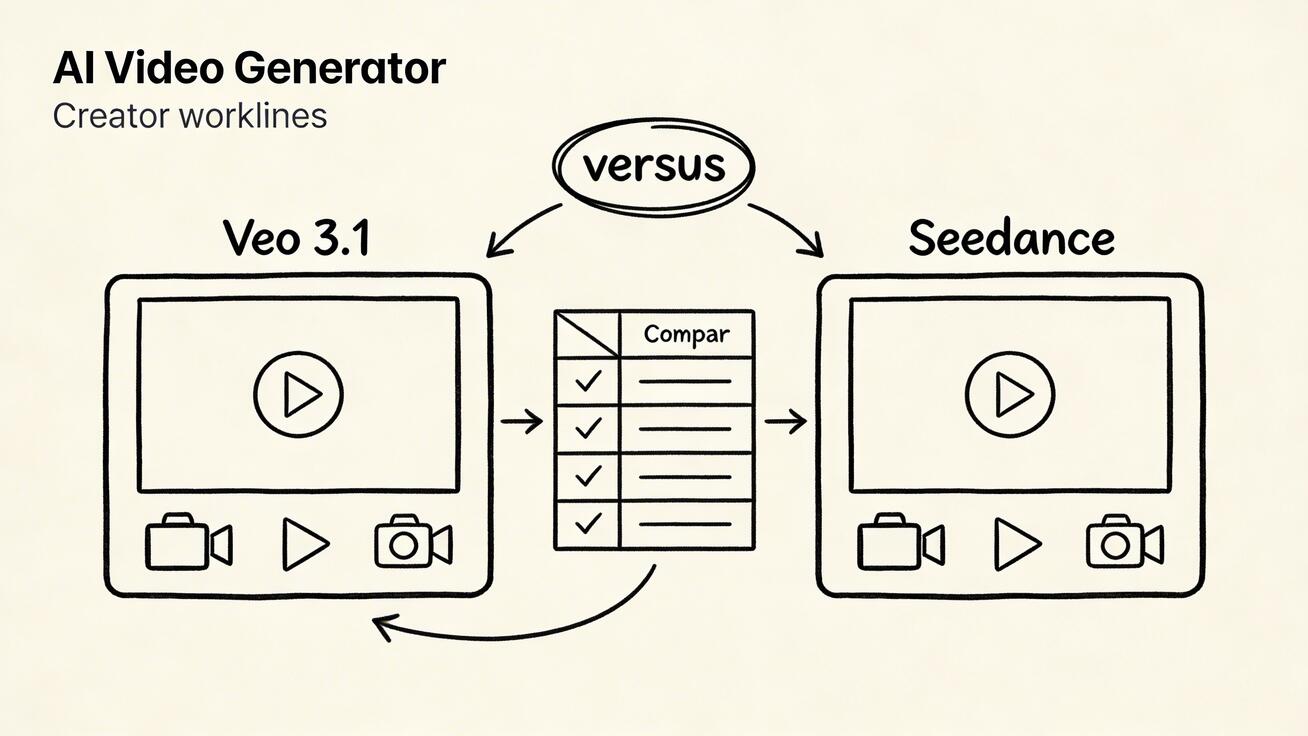
The landscape of AI video generation has shifted dramatically in 2026. With Google integrating its most advanced models into everyday productivity tools and specialized platforms like Seedance pushing the boundaries of creative control, creators face a pivotal choice. At Veo4AI, we believe understanding these tools is the first step toward building a sustainable content engine.
Quick Comparison: Google Veo 3.1 vs Seedance
Google Veo 3.1 represents the tech giant's latest leap in publicly available video synthesis. As of April 2026, Google has democratized access by embedding Veo 3.1 directly into Google Vids, making it available for free to anyone with a standard Google account.
While Google focuses on accessibility within a broad ecosystem, Seedance is built specifically for professional-grade creative fidelity. The choice between them often comes down to whether you need a general-purpose productivity suite or a dedicated high-end animation engine.
What Is Google Veo 3.1 in 2026?
Google Veo 3.1 isn't just a single tool; it is a family of models designed for different scales of production. The free tier, accessible via Google Vids, allows casual users to experiment with high-quality video generation without an upfront cost. However, this tier is capped at 10 clips per month—a limit that serves as an entry point for hobbyists but may fall short for professional pipelines.
To unlock the full potential of the model family, users must look toward Google AI Pro or Ultra. These tiers offer higher resolution, longer durations, and more frequent generation limits, catering to users who require the reliability of the Google Workspace ecosystem.
Understanding Seedance: The Creator’s Choice
Seedance differentiates itself by offering granular control that general-purpose tools often lack. While Google Vids treats video generation as one feature among many (like transitions and text overlays), Seedance treats the generation process as the core product.
Key advantages of Seedance include:
- Advanced Text-to-Video: Beyond simple prompts, Seedance allows for specific directorial commands, including camera movements like tracking shots, pans, and zooms.
- Superior Image-to-Video: This is Seedance’s standout feature. It allows creators to upload brand assets, portraits, or product photos and animate them with high creative fidelity.
- Fine-Grained Parameters: Users can adjust aspect ratios, motion intensity, and style presets to ensure the output matches a specific brand identity.
Key Differences and Use Case Matrix
The functional gap between these two platforms is defined by their "philosophy of use."
| Feature | Google Veo 3.1 (Free) | Seedance |
|---|---|---|
| Primary Goal | General productivity & ease of use | Professional creative control |
| Monthly Limit | 10 clips (Free tier) | Scalable for high-volume pipelines |
| Image-to-Video | Basic / Secondary feature | Core, high-fidelity capability |
| Ecosystem | Google Workspace / YouTube | Standalone Creative Studio |
Who should use Google Veo 3.1? It is ideal for students, casual creators, or office workers who need to add a quick AI-generated visual to a presentation or a simple social post within the Google ecosystem.
Who should use Seedance? It is the preferred choice for social media managers, YouTube creators, and marketers who need to build a consistent content pipeline and require precise control over how their images are animated.
Try Veo 3 Workflows on Veo4AI
At Veo4AI, we help you bridge the gap between these powerful models and a finished product. Whether you are utilizing the accessibility of Google's models or the precision of Seedance, our platform is designed to standardize your production. By integrating these tools into a structured workflow, you can reduce editing loops and maintain a consistent publishing schedule.
The Verdict
The most reliable way to scale content in 2026 is to choose the tool that fits your volume requirements. If you are just starting, Google Veo 3.1’s free tier is an unbeatable entry point. However, for those building a professional brand, the dedicated features and image-animation strengths of Seedance provide the necessary edge.
Explore how to optimize your video production at veo4ai.im.
Frequently Asked Questions
1) Is Google Veo 3.1 really free? Yes, for standard Google account holders via Google Vids, though it is limited to 10 clips per month. Higher volume requires a Pro or Ultra subscription.
2) Can I animate my own photos in Seedance? Yes. Seedance’s image-to-video tool is specifically designed to turn still assets—like product shots or illustrations—into dynamic video clips.
3) Which tool is better for YouTube creators? While Google Vids offers direct YouTube integration, Seedance is often preferred for the actual content generation due to its superior directorial controls and motion intensity settings.
4) How does Veo4AI help with these tools? Veo4AI provides the workflow framework to take the raw output from these generators and turn them into a repeatable, high-performing content strategy.