Categories: AI Video Workflow, Creator Strategy, Production Process Tags: veo4ai, ai creation studio, ai video workflow, content strategy, creator toolkit
What Just Happened: Google Vids Gets Major AI Overhaul
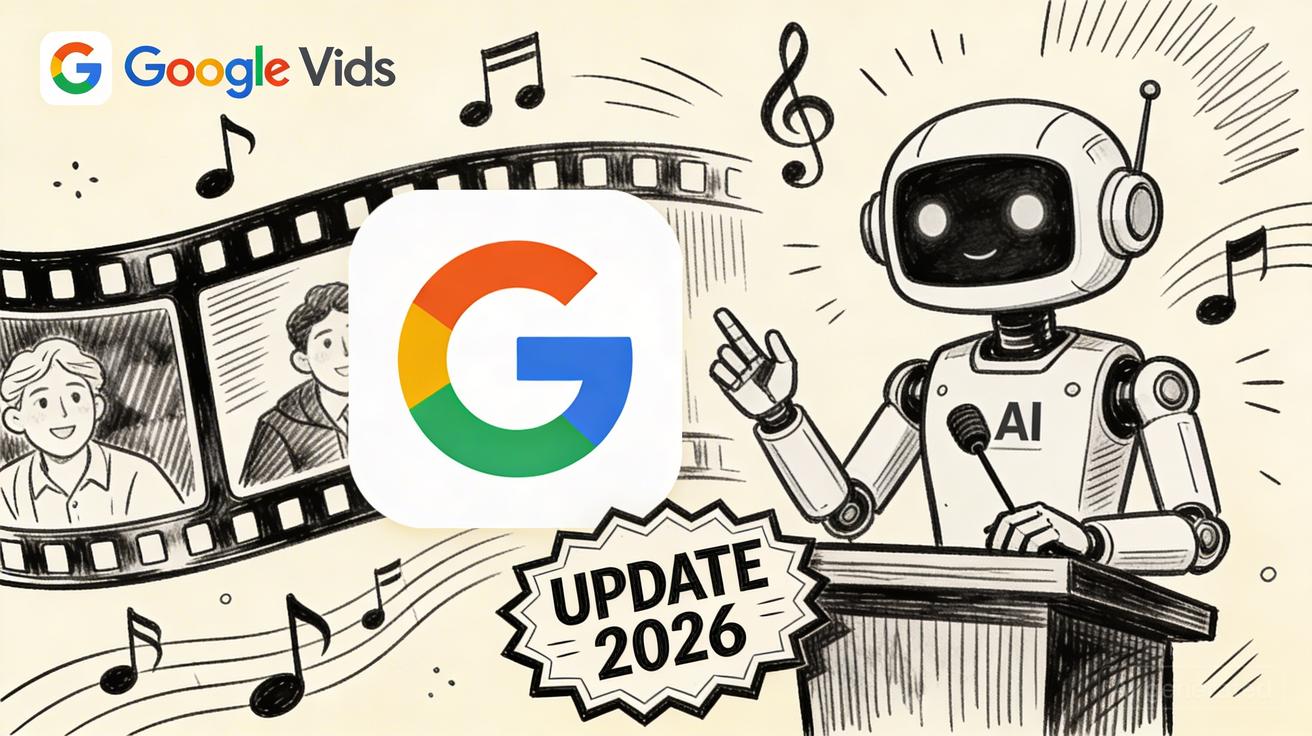
On April 2, 2026, Google announced a transformative update to Google Vids. This overhaul integrates two of the company's most sophisticated generative models: Veo 3.1 for cinematic video production and Lyria 3 for custom music composition. At Veo4AI, we see this as a pivotal moment where high-end AI production tools move from niche applications into the standard productivity suite.
The Three Major New Features
The 2026 update introduces three pillars of creative technology that redefine the Google Vids experience:
- Free Veo 3.1 Video Generation: In a massive shift for the industry, Google confirmed that standard Google account holders can now generate high-quality video clips using the Veo 3.1 model at no cost.
- Custom AI Music with Lyria 3: Users can now compose original soundtracks. Powered by Lyria 3 and Lyria 3 Pro, this feature allows for tailored audio that fits the specific mood and timing of a project.
- Directable AI Avatars: Beyond simple "talking heads," these are fully animated digital presenters. Creators have directorial control over their appearance, behavior, and the context of the scene, making them ideal for training and presentation content.

Free vs Paid: Complete Feature Breakdown
While the core video generation is now accessible to all, Google has tiered the more advanced creative tools:
- Free Tier: Includes access to Veo 3.1 for video clip generation using standard Google accounts.
- AI Pro & Ultra Tiers: These premium subscriptions unlock the Lyria 3 music generation panels and the full AI Avatar creation suite.
How to Access the New Google Vids Features Today
Getting started with these tools is straightforward. Follow this action plan to begin your first project:
- Entry Point: Navigate to
vids.newor access the tool via Google Drive by selecting "New" and then "Google Vids." - Authentication: Sign in with your standard Google account. No payment info is required to access the free Veo 3.1 features.
- Interface: Click "Create new video." The AI generation panel is located on the left sidebar.
- Generation: Use the "Add clip" or "AI generate" buttons to input text prompts or upload photos for video synthesis.
- Advanced Tools: If you are a Pro or Ultra subscriber, the Lyria 3 and Avatar panels will automatically appear within the same unified interface.
Google Vids vs Competitors: How It Stacks Up
With this update, Google Vids moves into direct competition with specialized AI video platforms. While Google offers deep integration with Workspace, other tools maintain specific advantages:
- Runway: Remains a leader for professional-grade output, offering higher resolutions and specialized modes like Gen-3 Alpha, though at a higher price point.
- Pika: Known for its user-friendly interface and excellent image-to-video animation capabilities.
Our Verdict: What This Means for Creators
The democratization of Veo 3.1 suggests that AI video is officially mainstream. For creators using the Veo4AI framework, this update provides a powerful, low-friction entry point for rapid prototyping and content scaling. By standardizing these tools within the Google ecosystem, the barrier to consistent, high-quality video production has been significantly lowered.
Frequently Asked Questions
1) Can I use these features on a personal Google account? Yes. Standard personal accounts have access to the free tier, which includes Veo 3.1 video generation.
2) Do I need a separate app for AI music and avatars? No. If you have the appropriate subscription (AI Pro or Ultra), these features are integrated directly into the Google Vids sidebar.
3) How does Veo 3.1 compare to other models? Veo 3.1 is designed for high-quality, accessible generation. While professional tools like Runway may offer higher resolution, Veo 3.1 provides a seamless experience for most content creators.
Next Step
Optimize your creative output by exploring the latest Veo4AI workflow templates.
Media References
- https://cdn.veo4ai.im/blog/google-vids-2026-update-veo-3-1-ai-music-avatars/20260413095103-okfchom4.jpeg
- https://cdn.veo4ai.im/blog/google-vids-2026-update-veo-3-1-ai-music-avatars/20260413095108-47dz5o50.jpeg
- https://cdn.veo4ai.im/blog/google-vids-2026-update-veo-3-1-ai-music-avatars/20260413095113-3g93f265.jpeg